Part 3: A Real App: SSR, Live Board, Inbox Notifications
What you'll have at the end of this part: the SvelteKit frontend running with server-side rendering (cookie auth, board and chat in the first HTML response), a board that updates live when the agent writes a node, a notification bell driven by a single inbox subscription, and a sub-second edit-to-server dev loop.
Run it:
cd examples/shiftboard/frontend
npm install
npm run dev        # http://localhost:5175
VITE_RAISIN_WS_URL (default ws://localhost:8081/ws/shiftboard) and VITE_RAISIN_REPO (default shiftboard) configure the target, for example via frontend/.env.local. The tenant-less /ws/{repository} URL is all a client needs; multi-tenant operators can use ws://host/sys/{tenant}/{repository} instead. The SSR server derives its HTTP base from the WebSocket URL; RAISIN_HTTP_URL overrides it at runtime.
SSR architecture: the server owns the session
Auth lives in httpOnly cookies. The login form posts to a SvelteKit action which calls RaisinDB's identity endpoint (POST /auth/{repo}/login with { email, password }) and stores the access token, refresh token and identity profile in three cookies. hooks.server.ts resolves the session on every request and refreshes tokens that are about to expire:
// src/hooks.server.ts (trimmed)
export const handle: Handle = async ({ event, resolve }) => {
  let access = event.cookies.get(COOKIE_ACCESS);
  const refresh = event.cookies.get(COOKIE_REFRESH);

  if ((!access || tokenExpiresSoon(access)) && refresh) {
    const tokens = await refreshTokens(refresh);   // POST /auth/{repo}/refresh
    if (tokens) { setAuthCookies(event.cookies, tokens); access = tokens.access_token; }
  }
  // valid access + identity cookie → event.locals.session, else null
  ...
};
The page's server load fetches everything the first paint needs (board, chat history, and pending tasks) over RaisinHttpClient, which speaks SQL over HTTP:
// src/routes/+page.server.ts (trimmed)
export const load: PageServerLoad = async ({ parent }) => {
  const { session } = await parent();
  if (!session) return { board: null, chat: null, planner: null, tasks: null };

  const client = createHttpClient(session.token);
  const db = client.database(REPOSITORY);

  const [shiftsRes, staffRes, pendingTasks] = await Promise.all([
    db.executeSql(SHIFTS_SQL),
    db.executeSql(STAFF_SQL),
    listPendingTasks(client),
  ]);

  // ... latest ai_chat conversation per agent via ConversationManager.list()
  //     + manager.getMessages(conversationPath) ...

  return {
    board: { shifts: rowsToShifts(shiftsRes.rows ?? []), staff: rowsToStaff(staffRes.rows ?? []) },
    chat, planner,
    tasks: pendingTasks,
  };
};
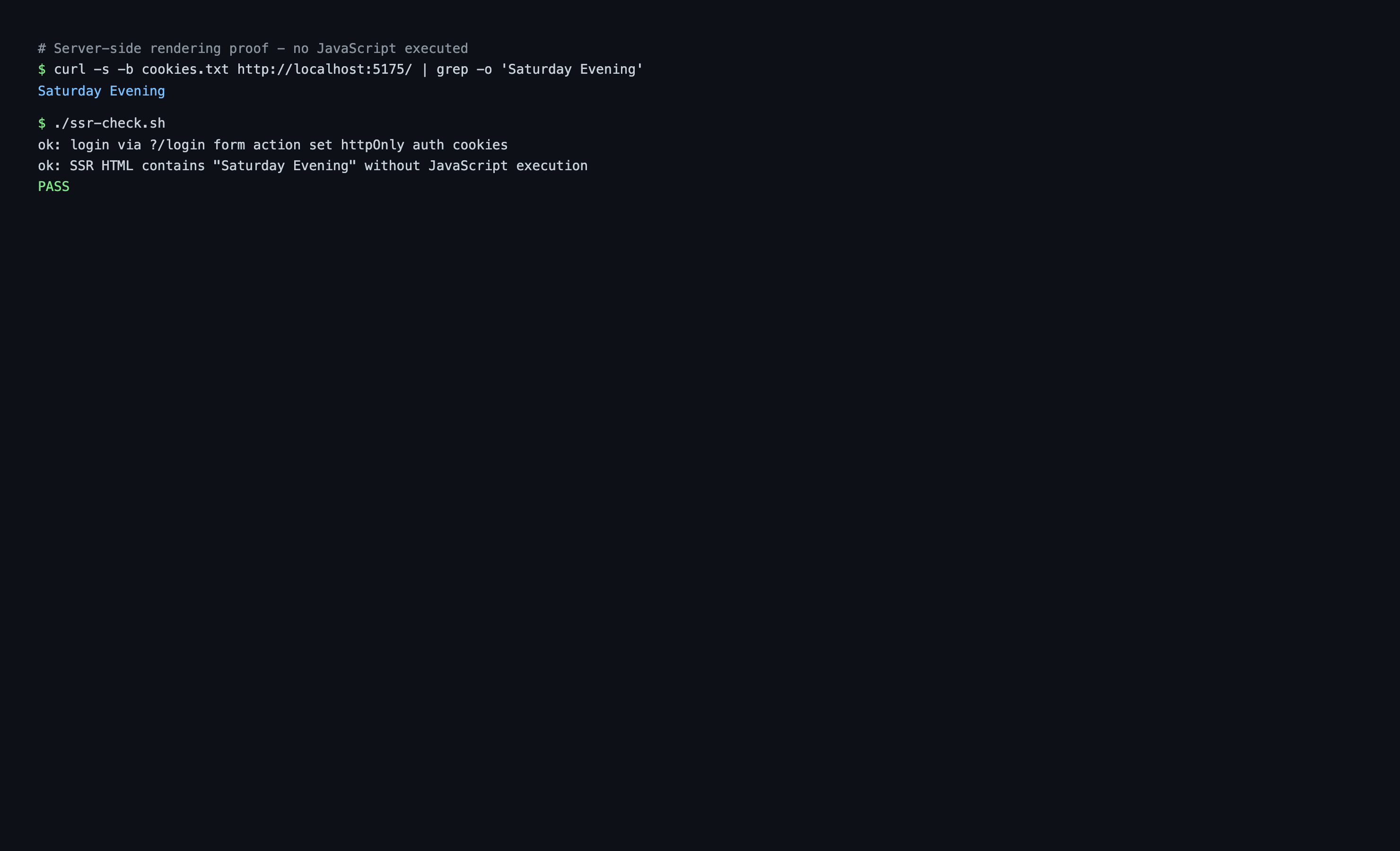
The first response is complete HTML: view-source: shows the shift titles before any JavaScript runs. frontend/ssr-check.sh proves it with curl only. It logs in through the form action (a 303 redirect and a shiftboard_access cookie), fetches / with the cookie jar, and asserts a shift title appears in the raw HTML.
 View-source on the freshly loaded page: shift cards and chat history are server-rendered HTML.
After hydration, the page seeds the Svelte stores from the SSR data (no re-fetch) and switches to the live layer. The browser connects a WebSocket client and authenticates with the same access token:
// src/lib/raisin.ts (trimmed)
client = new RaisinClient(WS_URL, { tokenStorage: storage, tenantId: 'default', defaultBranch: 'main' });
await client.connect();
await client.authenticate({ type: 'jwt', token: accessToken });
The live board: one node subscription
When the agent (or anyone else) updates a shift node, the matching card updates in place, with no polling. From src/lib/stores/board.svelte.ts:
// Live updates: any node:updated under /shifts patches the matching card.
await getDb().workspace('staffing').events().subscribe(
  { path: '/shifts/*', event_types: ['node:updated'], include_node: true },
  (event) => this.#onShiftEvent(event),
);

// The SDK restores subscriptions after a reconnect, but events missed
// while offline are gone: reload the board to resync.
getClient().onReconnected(() => { this.#load().catch(() => {}); });
Path filter semantics:
*matches exactly one path segment./shifts/*catches/shifts/sat-morningbut not deeper nodes.**matches any depth.- A plain path matches only that exact node.
/shiftsalone does not match its children.
include_node: true delivers the full node in the event payload, so the handler patches state directly without a follow-up query:
#onShiftEvent(event: EventMessage): void {
  const node = (event.payload as { node?: ... })?.node;
  if (!node?.path || !node.properties) return;
  const idx = this.shifts.findIndex((s) => s.path === node.path);
  if (idx < 0) return;
  // Replace the card data, bumping flashSeq so the UI replays the highlight.
  this.shifts[idx] = toShift(node.path, node.properties, this.shifts[idx].flashSeq + 1);
}
The notification bell: a subscription on your inbox
The messaging pipeline delivers items into the logged-in user's home inbox in the raisin:access_control workspace. The bell is a subscription on that subtree. From src/lib/stores/notifications.svelte.ts:
await getDb().workspace('raisin:access_control').events().subscribe(
  {
    path: `${home}/inbox/**`,            // ** because inbox items nest
    event_types: ['node:created', 'node:updated'],
    include_node: true,
  },
  (event) => this.#onInboxEvent(event),
);
** is needed because inbox items nest (chats/<conversation>/<message>). home is the user's home path from the identity profile (/users/internal/planner-at-example-com). This is the app's single inbox subscription: it bumps the badge, shows toasts, and (in Part 5) also feeds the human-task panel. The handler skips the user's own outgoing messages (role: 'user') and the plan lifecycle messages from Part 6, so only things other people did become notifications.
The dev loop
Deploy once (Part 1), then keep the package directory live-synced while you develop:
raisindb sync ./package --repo shiftboard --watch
While the watcher runs:
- Editing a function source (for example
package/content/functions/lib/shiftboard/list-shifts/index.js) pushes the new code to the function's asset node. The next tool call runs the new code, no reinstall. Roughly one second from save to live. - Editing a
.node.yamlor a named node YAML (for examplecontent/staffing/shifts/fri-evening.yaml) writes the node's properties. - Editing a schema file under
nodetypes/,archetypes/,elementtypes/ormixins/applies the definition through the management API. - Editing
manifest.yaml,workspaces/orstatic/is structural and cannot be hot-synced. The watcher prints a hint to re-runraisindb deploy ./package --repo shiftboard --install.
See the Sync and Watch guide for the full behavior.